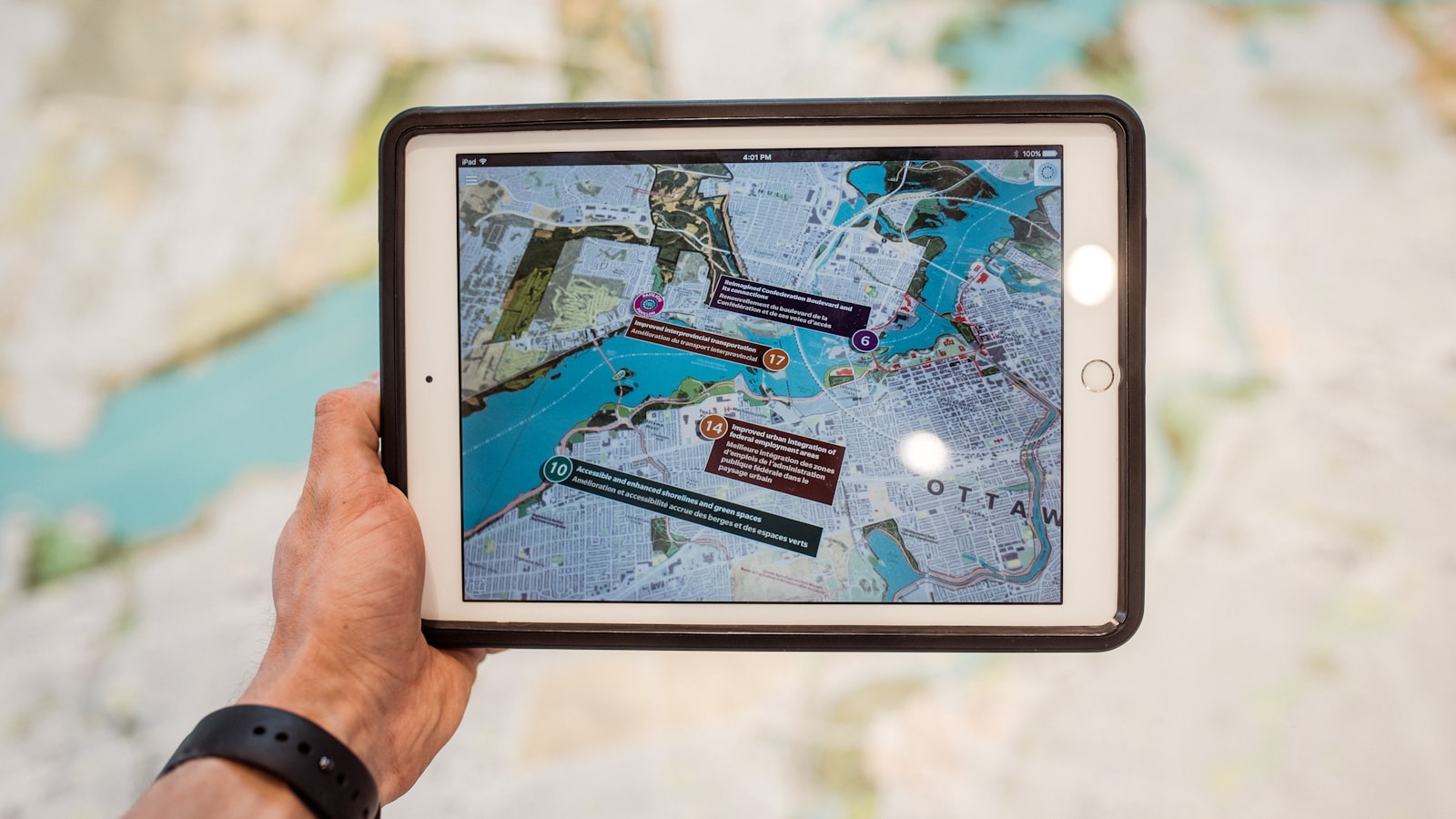
ConTech, short for construction technology, is the software, hardware, equipment, and digital process used to plan, design, estimate, build, document, and manage construction work. It includes familiar tools such as Procore, JobTread, Buildertrend, Bluebeam, Revit, and Primavera P6, but it also includes drones, reality capture, sensors, robotics, connected equipment, and the automation linking office systems together.
The useful way to understand ConTech is not as a long software list. It is the information and control system around the project: where a record begins, who updates it, which decision it supports, and what happens when reality does not match the plan.
Source review: July 2026. Product capabilities can change; confirm current features and licensing with the vendor before making a purchase decision.
What does ConTech mean in construction?
Construction technology covers more than cloud project management. Procore's current overview describes the category broadly as hardware, software, and innovation applied to construction, including management systems, modeling, 3D printing, and automated equipment. That broad definition matters because a contractor's technology stack crosses the whole job—not just the office.
The term also works at two levels:
- Inside a contractor: ConTech means the tools and workflows used to operate the business and its projects.
- Across the market: ConTech is a sector label for companies building technology for design, construction, materials, equipment, supply chains, and the built environment.
Investors use the label much like FinTech or PropTech. For example, Cemex Ventures' 2026 ConTech reporting groups construction technology companies around supply chains, productivity, green construction, and the future of construction. The investment definition is wider than the stack an individual contractor needs, but both uses point to the same idea: applying technology to how construction work is planned and delivered.
The seven main categories of construction technology
There is no single official category map. Products overlap, and an all-in-one platform may cover several functions. The following seven-part model is a practical way for contractors to understand what each layer should do.
1. Project management and construction CRM platforms
This layer organizes the commercial and administrative record around a lead, customer, job, or project. Depending on the platform, it may include lead tracking, estimates, budgets, schedules, files, daily logs, RFIs, submittals, change events, invoices, and reporting.
Procore, JobTread, and Buildertrend sit in this category, but they serve different company types and operating models. Their names should not be treated as interchangeable:
- Procore provides project-level tools for records such as RFIs, submittals, documents, financials, and field activity.
- JobTread's documented CRM capabilities include lead records, pipeline statuses, follow-up tasks, communication, files, roles, permissions, and reporting.
- Buildertrend's product overview covers sales, project, customer, and financial workflows for home builders, remodelers, and specialty contractors.
The platform is not the process. A clean RFI tool can still hold overdue records with no accountable next action. A CRM can still contain duplicate leads and meaningless statuses. The operating work is deciding what each status means, who changes it, which fields are required, and what the team reviews every week.
2. Preconstruction, takeoff, and estimating tools
Preconstruction technology turns drawings, specifications, scope decisions, quantities, labor assumptions, vendor coverage, and cost information into a controlled bid. Bluebeam, PlanSwift, STACK, estimating databases, bid invitation platforms, and spreadsheet models can all sit in this layer.
Bluebeam's official estimating workflow shows a sequence built around tool sets, scale calibration, takeoff, and organized results. PlanSwift documents takeoff measurements, assemblies, formulas, cost codes, reports, and spreadsheet connections. STACK's takeoff and estimating overview describes plan organization, measurement tools, templates, estimates, and proposals in a cloud workflow.
Those are documented capabilities, not a guarantee of an accurate estimate. Estimators still control scope interpretation, production assumptions, pricing strategy, exclusions, risk, and final bid approval. Administrative support can organize files, maintain the bid board, prepare scope sheets, track vendor responses, and package approved information without taking over estimating authority.
3. Design, BIM, coordination, and digital twins
Building information modeling, or BIM, is a method of creating and managing structured information about a built asset. Revit is commonly used to author multidisciplinary building models. Autodesk documents Revit features for model-based design, documentation, schedules, worksharing, interoperability, and coordination.
Navisworks is used for model aggregation and review. Autodesk's current Navisworks overview distinguishes model review and simulation from the clash detection and coordination functions available in Navisworks Manage. A clash result becomes operationally useful only after someone classifies it, assigns it, gives it a due date, records the agreed resolution, and verifies the updated model.
A digital twin goes beyond a design model when it maintains a useful digital representation of a physical asset using current operational data. Not every 3D model is a digital twin, and not every contractor needs one. The right level of model technology depends on contract requirements, coordination risk, facility needs, and the team's ability to maintain the information.
4. Scheduling, planning, and project controls
Scheduling technology structures activities, relationships, calendars, milestones, resources, baselines, progress, and forecast dates. It ranges from short-interval field planning to portfolio-level controls.
Oracle Primavera P6 supports CPM scheduling, multi-project planning, resource management, and progress updates. Microsoft Project supports task dependencies, constraints, calendars, baselines, critical-path views, and manual or automatic scheduling. Navisworks can connect model elements with time to support 4D sequencing and with cost information for broader simulation.
The schedule is still a management instrument, not an automated promise. Authorized project personnel should control logic, contractual milestones, baseline changes, delay analysis, and official schedule submissions. Support roles can collect updates, maintain coding, prepare comparison views, flag missing progress, and assemble review packages.
5. Field technology and reality capture
Field ConTech captures what is happening where work is installed. This category includes mobile daily logs, digital forms, drones, photogrammetry, 360-degree imagery, laser scanning, machine control, location systems, wearables, environmental monitors, and Internet of Things sensors.
These tools can create a richer site record, but more data does not automatically create better control. A contractor should define:
- what condition is being captured;
- the required location, date, and project context;
- who reviews the record and by when;
- how an exception becomes an owned action; and
- how long the data should be retained.
Drones also introduce an operating boundary outside ordinary software administration. Commercial small-drone work in the United States generally falls under FAA Part 107 requirements, with rules for pilots, operations, airspace, and certain flights over people or vehicles. Buying a drone does not authorize its use on every site.
6. Robotics, automated equipment, and industrialized construction
This category changes physical production rather than only moving information. Examples include robotic layout, autonomous or remote-operated equipment, 3D printing, automated rebar or fabrication systems, and factory-supported prefab or modular construction.
The evaluation question is not whether the equipment looks advanced. It is whether the project has enough repeatable volume, dimensional control, site readiness, safety planning, qualified operators, maintenance support, and design coordination to use it reliably.
Robotics also moves risk closer to the workface. Technical selection, calibration, operating procedures, safety controls, and acceptance criteria must remain with qualified and authorized people. Digital administration can support equipment records, issue tracking, production reporting, and document control, but it cannot substitute for those responsibilities.
7. Back-office integration and workflow automation
The final layer connects systems that were not designed to share one workflow. Zapier, Make, n8n, native platform workflows, APIs, webhooks, and custom integrations can move data or trigger actions between email, forms, spreadsheets, CRM, project management, accounting, and reporting tools.
Zapier's construction operations examples include triggers and actions around bids, field updates, logs, changes, permits, and inspections. JobTread also documents native workflows that can branch on conditions, create tasks, issue reminders, and connect with other applications.
Automation multiplies the quality of the rule behind it. If two systems disagree about the customer name, job number, cost code, due date, or approval status, an integration may spread the conflict faster. Start with an internal notification or draft action before allowing an automation to send client communications, change financial records, or release contractual information.
How the ConTech stack connects across a project
A healthy construction technology stack follows the project record from opportunity through closeout without forcing every system to own the same information.
One practical ownership model looks like this:
- CRM owns the opportunity and relationship. It records the lead, contact, pipeline stage, next action, and sales history.
- Preconstruction systems own the bid record. They hold current documents, addenda, takeoff quantities, vendor coverage, approved assumptions, and submission status.
- Project management owns execution records. It controls drawings, RFIs, submittals, change documentation, daily reports, commitments, and closeout items according to the project setup.
- The schedule owns approved time logic. Other systems may display milestones, but the controlled schedule remains the source for authorized dates and relationships.
- Accounting owns the financial ledger. Project platforms may originate budgets, commitments, or billing information, while the accounting system controls posted financial records under the contractor's accounting process.
- Reporting combines approved data without silently redefining it. A dashboard should show where a number came from, when it was refreshed, and who can correct it.
The goal is not one enormous database. The goal is one agreed source for each important record, plus visible handoffs between those sources.
Why construction technology implementations fail
Most ConTech failures are operating failures wearing a software label. Common patterns include:
- The company buys features before defining the problem. Teams receive a broad platform but no specific weekly outcome.
- Old and new systems remain equally official. The schedule is in one tool, a spreadsheet, email, and someone's notebook, with no declared source of truth.
- Configuration has no owner. Statuses, templates, permissions, and reports change without governance.
- Field input creates no response. The team collects photos, forms, or sensor data that nobody reviews.
- Automation skips approval boundaries. A trigger sends or changes something that should have remained a draft for human review.
- Training explains buttons instead of roles. Users know where to click but not when, why, or what “complete” means.
- Success is measured by logins. Adoption activity is counted without checking whether the operating problem improved.
This is why the workflow should be stabilized before automation. Use the construction workflow automation readiness test to check the finish line, source fields, ownership, exceptions, and reversibility first.
How should a contractor choose ConTech?
Choose construction technology by starting with one recurring operating failure, not a vendor shortlist. A focused selection process has eight steps.
1. Name the operating problem
Use a visible condition: “Seven bid invitations were never assigned,” “RFI aging is reviewed only after a delay,” or “Daily logs cannot be compared across projects.” Avoid goals such as “be more digital.”
2. Define the required output
Write what a reliable weekly or daily result contains. Name the fields, format, cutoff, audience, and exception threshold.
3. Assign record ownership
Decide which system controls each record and which role can create, edit, approve, publish, and close it.
4. Map the handoffs
Follow one real example from source to decision. Include email, spreadsheets, conversations, and re-entry—not only the intended software diagram.
5. Test fit with real scenarios
Use current project examples during demonstrations. Ask the vendor to show an exception, correction, permission change, export, audit history, and offboarding path—not only the happy path.
6. Review access and data control
Confirm client-owned accounts, individual credentials, least-privilege roles, multifactor authentication, export options, retention, backups, integrations, and the process for removing access.
7. Pilot one bounded workflow
Run a limited workflow with named users, outputs, review dates, and stop conditions. Keep technical, contractual, financial, and client-facing approvals with authorized personnel.
8. Measure operating evidence
Measure record completeness, exception age, correction volume, missed handoffs, review time, or another condition tied to the original problem. Do not expand because the team logged in; expand because the workflow became more dependable.
Where construction technology support fits
Many contractors do not need another product first. They need someone to maintain the rules around the products they already own.
A bounded construction technology support lane can organize source data, maintain logs, prepare dashboards, audit missing fields, document procedures, administer permissions under client direction, monitor integrations, and escalate exceptions. The contractor's authorized personnel retain design decisions, technical review, schedule commitments, pricing, accounting treatment, contractual communication, and final release authority.
Start with CVA's construction technology field notes for practical JobTread, Procore, Buildertrend, and BIM workflows. If project records are the immediate problem, review the Project Administration Desk. To identify a safe first handoff, use the delegation-readiness assessment before adding another system or role.
ConTech should make the state of work easier to see and the next responsible action harder to miss. If the stack adds screens without clarifying sources, ownership, decisions, and exceptions, the contractor has purchased technology without installing an operating system.